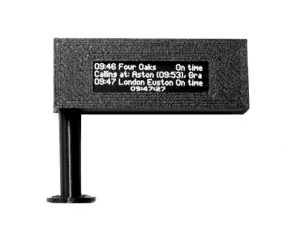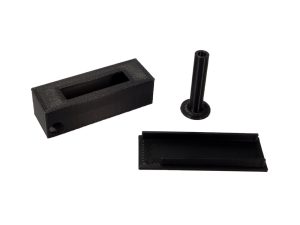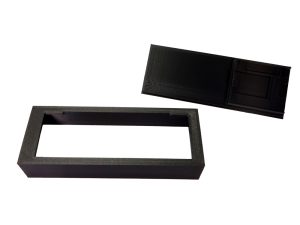


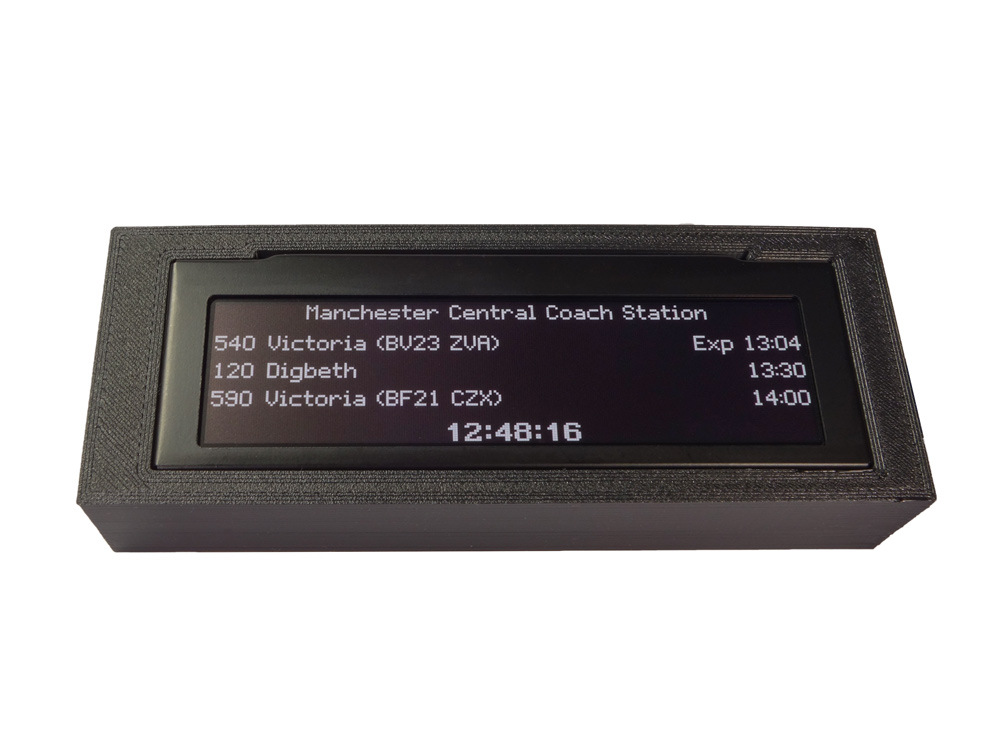
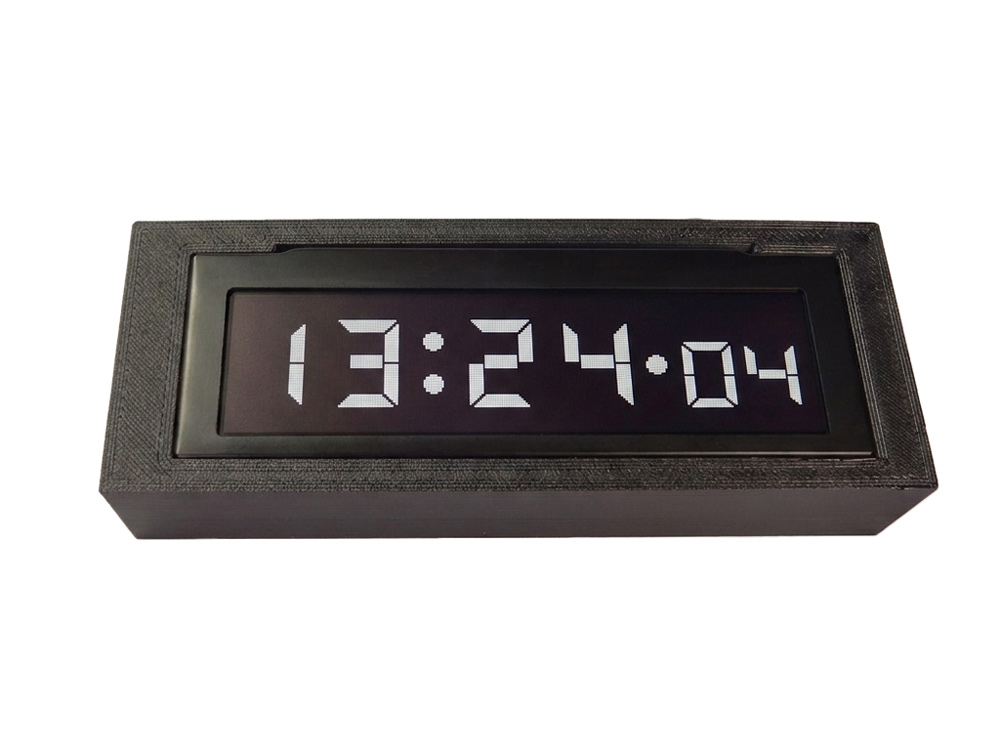


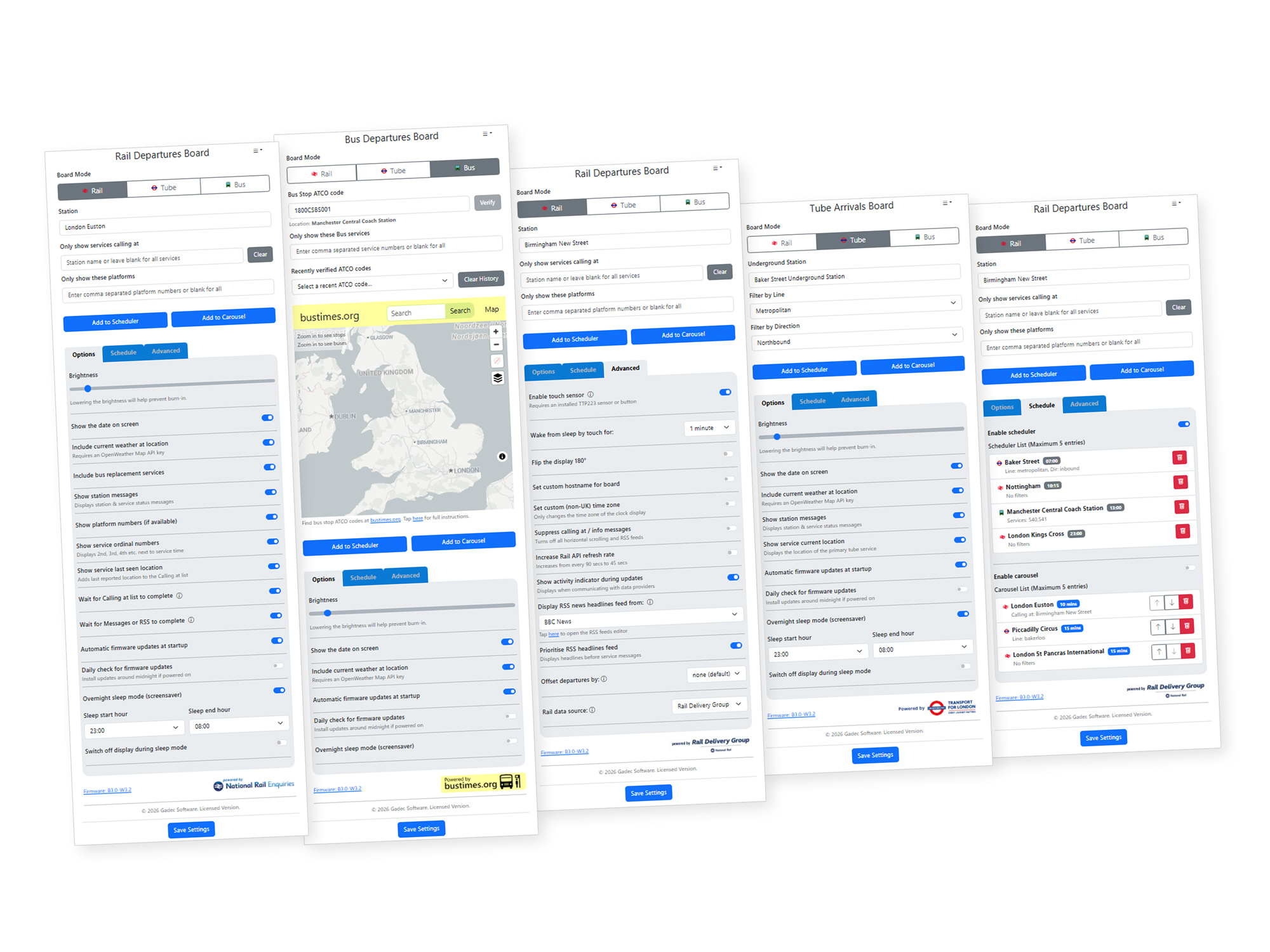
This table top Departures Board measures 105mm x 43mm x 40mm and uses a 3.12″ OLED panel to display accurate, real time data from National Rail, Transport for London and Bustimes.org to operate as a Rail, Underground and Bus board. The board is powered via USB (you’ll need a Type-C cable) – any USB charger or even a computer can be used as a power supply. No subscriptions or ongoing charges. All features are available at no additional cost
Features
- Smooth animation matching the real departures and arrivals boards
- Displays up to the next 9 departures with scheduled time, platform number, destination, calling stations and expected departure time
- Optionally display the last reported location of a service
- Optionally only show services calling at a selected railway station
- Optionally only show services departing from selected platform numbers
- Scheduler and Carousel modes automatically switch between any combination of railway, tube and bus stops
- Displays Network Rail service messages
- Train information (operator, class, number of coaches etc.)
- Displays up to the next 9 arrivals with time to station (London Underground mode)
- Optionally display the current location of the next tube service arrival (London Underground mode)
- TfL station and network service messages (London Underground mode)
- Optionally filter by tube line and direction
- In Bus mode, displays up to the next 9 departures with service number, destination, vehicle registration and scheduled/expected time
- Optionally display RSS headline feeds with UK news, sports and rail news or add your own using the built-in RSS Feeds Editor
- Fully-featured browser based configuration screens – choose any station on the UK rail network / London Tube & DLR network / UK Bus Stops
- NEW: Version 3 boards now include a touch sensor to effortlessly switch between modes/stations
- All processing is done onboard. Our boards talk directly to the data providers with no reliance on middleware servers
- Automatic firmware updates
- Displays the weather at the selected railway/tube station or bus stop
- Full-screen, Network SouthEast style station clock (optional)
- Displays time and (optionally) date
- Screen / power saving options
What you’ll need
- A Rail Delivery Group API token or a National Rail Darwin Lite API token, (these are all free of charge). The board will work in Tube & Bus modes without any API keys.
Click here for a full step-by-step guide to obtaining the necessary API tokens.
Setting up the Departures Board
When you receive and power up your board it will broadcast its own temporary Wi-Fi network that you connect to setup the permanent connection to your home Wi-Fi. You can watch a video walk-though of the setup process here.
Download a copy of the setup guide here.