 Registering API Keys
You will need to register for data access API keys to enable the Departures Board to obtain real time information from National Rail and OpenWeather. All of these accounts are completely free-of-charge. Follow the instructions below to obtain the keys you need for your board.
Jump to: OpenWeather Transport for London
National Rail OpenLDBWS Registration
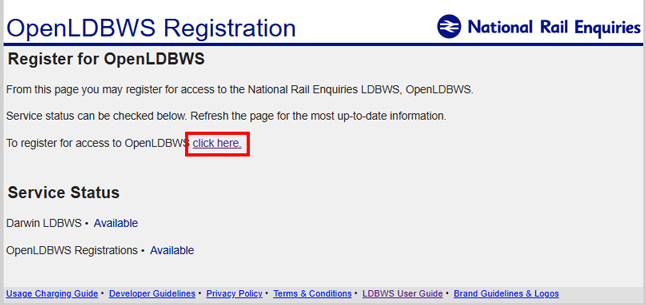
Begin the registration process at https://realtime.nationalrail.co.uk/OpenLDBWSRegistration and select to register for access to OpenLDBWS:
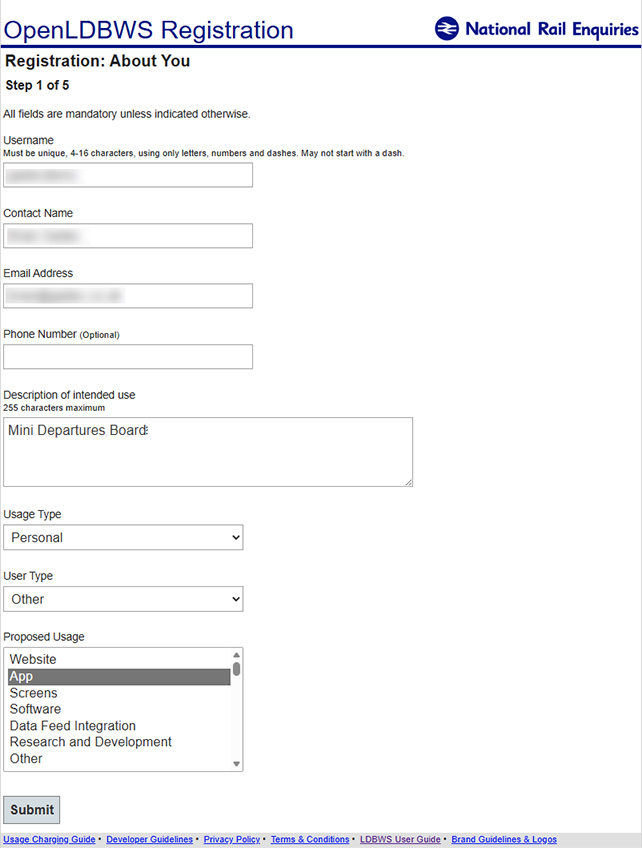
Choose a username and enter your contact details. Select the other options as suggested here:
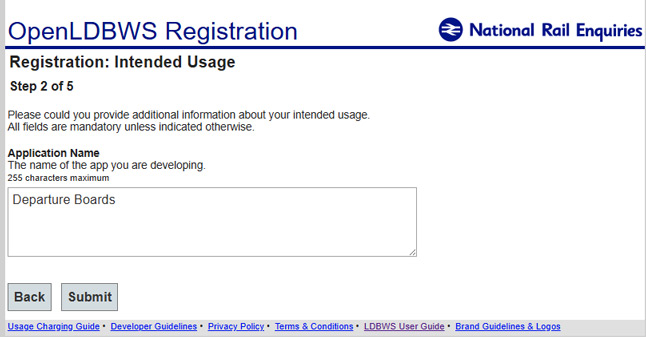
Enter Departure Boards when prompted for the Application Name:
Complete the reCAPTCHA and tick to accept the terms and conditions & brand guidelines:
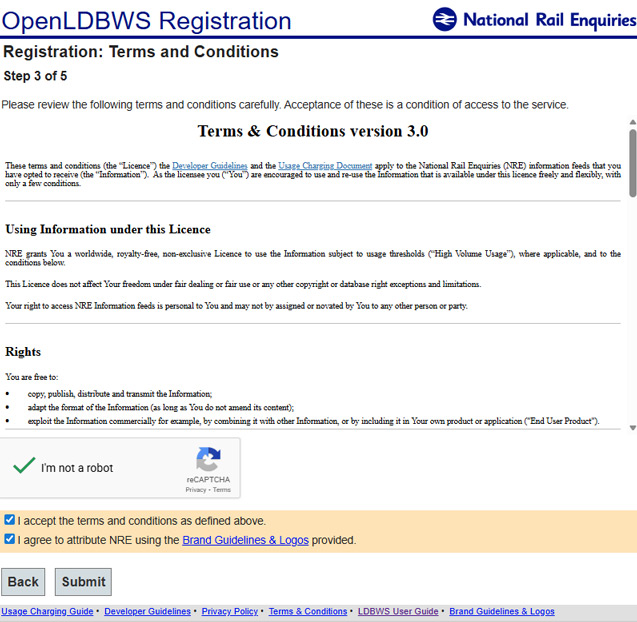
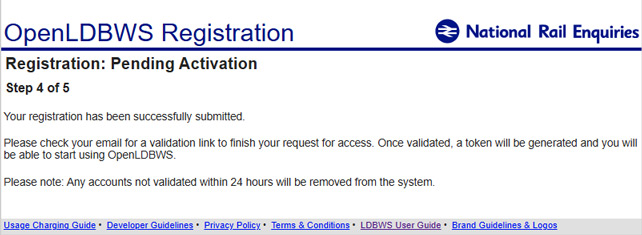
Your registration will now be pending. Check for a Account Activation Pending email and click the link provided to activate your new account.
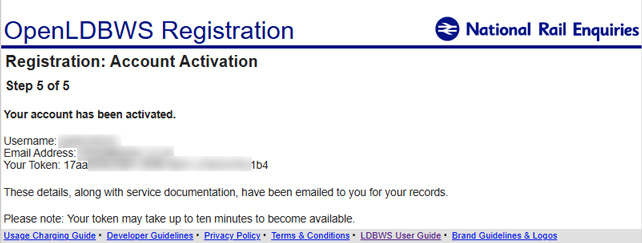
Your account is now activated and your token is displayed. You will also receive the token by email – keep it safe in case you ever need to completely reset you Departures Board.
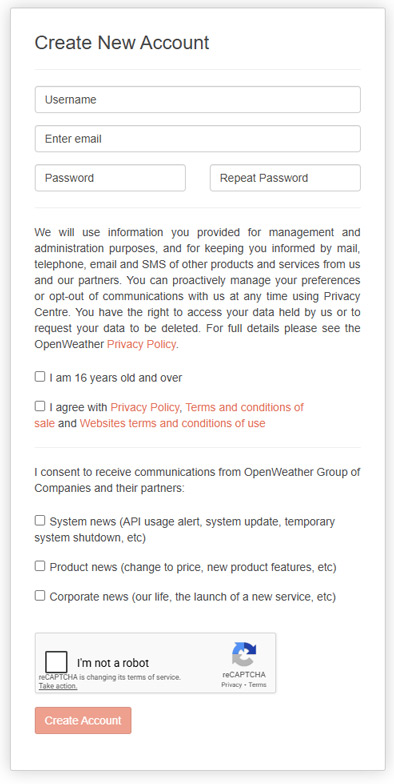
OpenWeather Registration
Begin the registration process at https://home.openweathermap.org/users/sign_up …
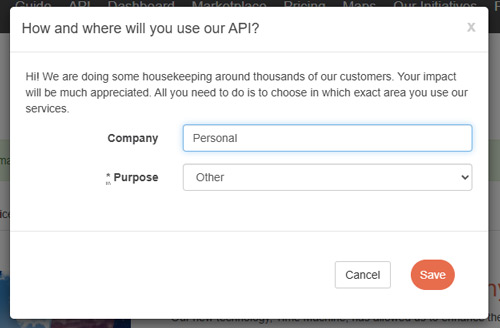
You will be asked How and where will you use our API? Simply enter Personal and Other as your response. You will then receive an OpenWeatherMap Account confirmation email (check your spam folder) containing a link to verify your account.
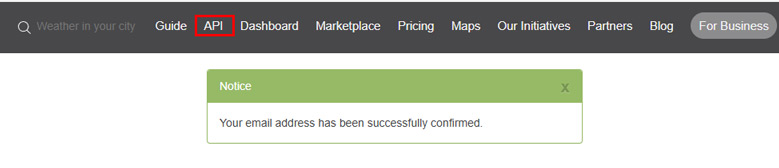
Once your email address has been confirmed, select API from the menu:
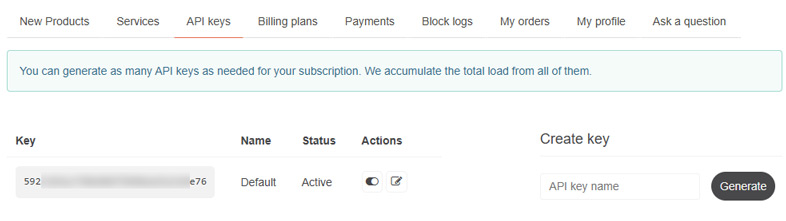
Your default API key will have been created and can be used for the Departures Board. Note, it can take up to 30 minutes for the key to be fully activated before it can be used by the Departures Board.
Transport for London Registration
It is not normally necessary to register a TfL account as the Departures Board will operate normally using anonymous access to the data feed. However, if you have other applications that use a TfL feed and might exceed the anonymous access limit of 50 requests per minute, follow the guide below to register an account.
Begin the process at https://api-portal.tfl.gov.uk/signup …
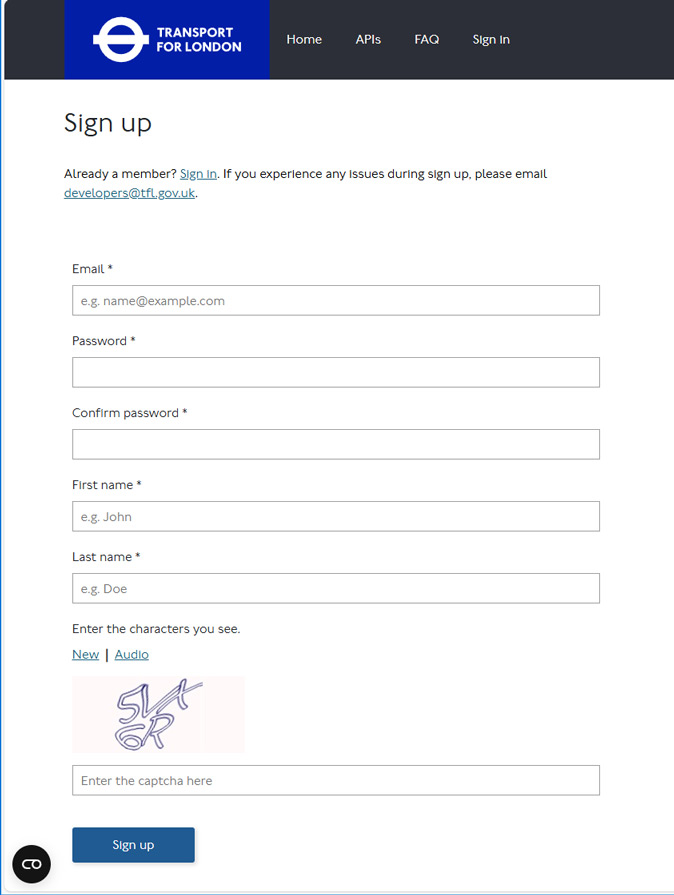
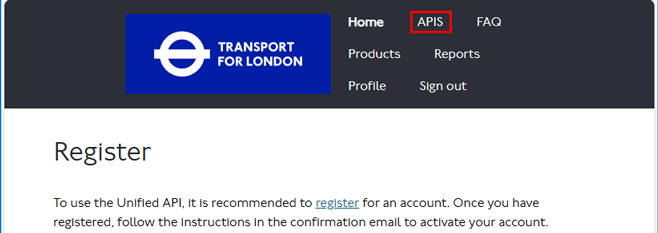
After signing up, you will receive a Please confirm your new Transport for London API account email. Click the link to confirm and then sign in to your account. Click the APIS option at the top of the screen:
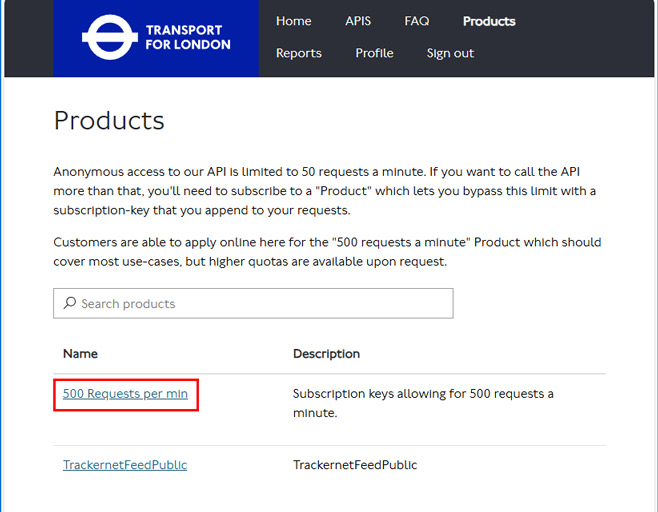
On the Products screen, select the 500 Request per min option:
Enter a name for the subscription – e.g. Departures Board and click Subscribe.
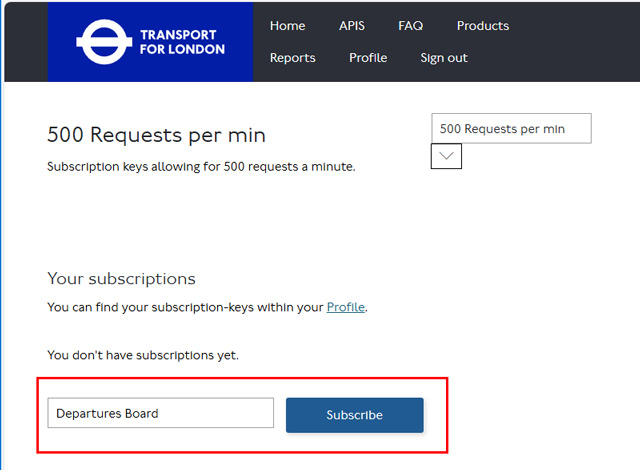
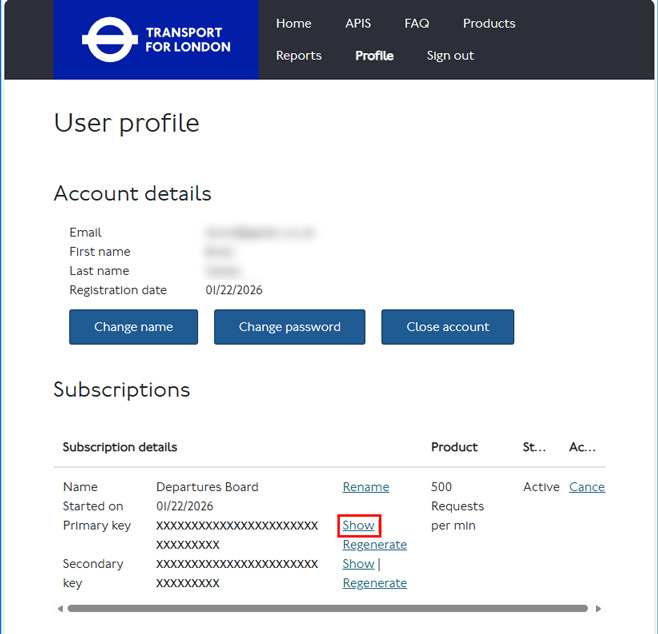
Your primary API key can now be displayed by clicking Show – this is the key you need for the Departures Board.